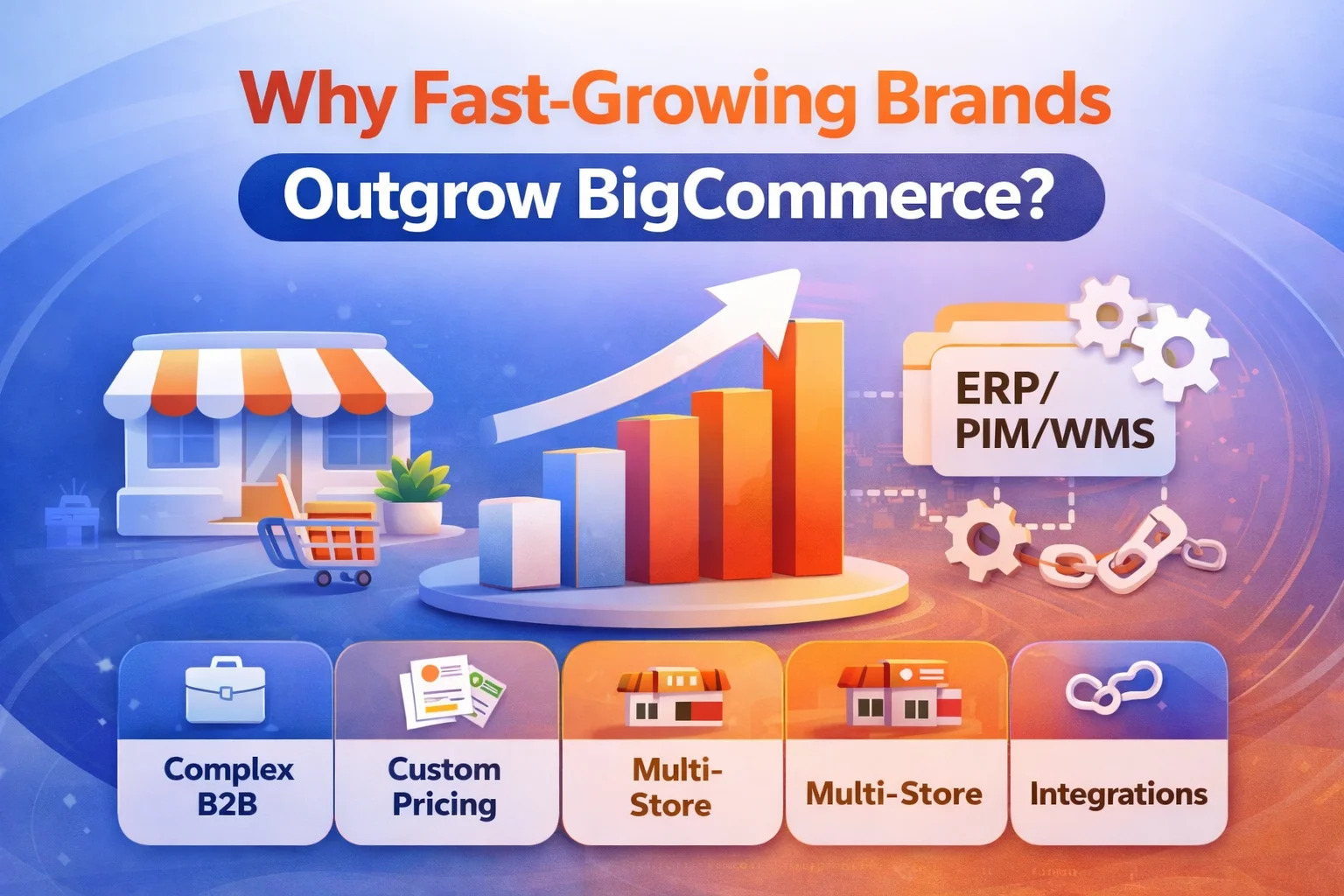
BigCommerce is a strong platform for launching quickly, scaling operations with less maintenance, and growing across channels. But as brands grow, “scaling” stops being about traffic and starts becoming about complexity—B2B workflows, pricing rules, multi-store logic, integrations, and checkout control.
If you’re evaluating a move, start with the full guide:
BigCommerce to Adobe Commerce Migration (2026): Complete Guide for Scaling Brands
Why brands outgrow BigCommerce (the real reason)
Brands don’t outgrow BigCommerce because it “can’t handle growth.” They outgrow it because their business becomes harder to express within a SaaS model without workarounds.
In simple terms:
You outgrow BigCommerce when your growth demands custom business logic more than platform simplicity.
That usually happens in one (or more) of these areas:
- Complex B2B requirements (quotes, approvals, negotiated pricing, company roles)
- Customer-specific catalogs and pricing at scale
- Multi-store expansion where each storefront needs unique rules and workflows
- Checkout and promotions that require deeper customization
- Enterprise integrations where ERP/OMS/PIM/WMS logic becomes central to how you sell
7 clear signs you’re outgrowing BigCommerce
If your team is experiencing several of these, you’re likely hitting platform friction—not just “growing pains.”
1) Pricing becomes “rule-based,” not “discount-based”
Early-stage pricing is simple: coupons, sales, a few customer groups. Later-stage pricing becomes complex: contract pricing, negotiated terms, customer-level price lists, tiered pricing by product type, and rules tied to inventory or region.
When pricing logic turns into business logic, brands often prefer a platform that supports deeper customization—especially if pricing is a competitive advantage.
2) B2B requires approvals, quotes, and company structures
B2B growth often introduces requirements like:
- company accounts with departments/roles
- approval flows for purchase orders
- quote-to-order workflows
- customer-specific catalogs and pricing
- requisition lists and recurring orders
If B2B is central to revenue and the workflows are unique to your business, many fast-growing brands explore enterprise-focused platforms.
3) Multi-store expansion becomes complex (not just “multi-brand”)
Launching multiple storefronts is one thing. Managing storefronts where each one needs unique workflows is another.
You’re likely outgrowing your current setup if each new storefront requires:
- different catalogs by region/customer type
- different pricing rules and tax/shipping logic
- different fulfillment rules tied to different warehouses
- custom integrations and data pipelines per storefront
4) Checkout needs deeper control
Many brands hit friction when checkout needs:
- complex shipping rules
- custom payment flows
- special validations (B2B compliance, tax rules, PO logic)
- advanced promotions that depend on customer groups, margins, or stock
If checkout modifications feel like “workarounds,” it’s a sign your business logic is outgrowing platform guardrails.
5) App stack sprawl increases cost and risk
SaaS app ecosystems are powerful—but as your store becomes more complex, you may end up with:
- multiple paid apps for critical workflows
- overlapping features and conflicting scripts
- performance impact (extra JS, tracking, widgets)
- harder debugging and higher operational risk
If your app stack has become your “real platform,” it may be time to consider consolidating functionality into a more customizable architecture.
6) Integrations become mission-critical (ERP/OMS/PIM/WMS)
When integrations shift from “nice to have” to “how we operate,” you’ll need stronger control over data flows, rules, and reliability.
Examples:
- ERP owns pricing and customer terms
- OMS controls fulfillment routing and split shipments
- PIM controls catalog enrichment and attributes at scale
- WMS controls inventory availability by warehouse
When these systems drive commerce logic, many brands look for platforms that handle deeper customization and integration governance.
7) Your team’s roadmap is blocked by platform constraints
This is the biggest signal of all. If product, growth, and engineering teams routinely say:
- “We can’t implement that without a workaround”
- “We need another app to do this”
- “We can’t control this part of checkout/promo logic”
- “We’re stuck with limitations”
…then scaling isn’t about traffic—it’s about platform fit.
When BigCommerce is still the right choice
To be clear—BigCommerce can be an excellent long-term solution when your scaling needs match its strengths:
- you want to reduce operational overhead
- you prefer standardized workflows over deep customization
- you’re scaling through marketing, channels, and storefront UX
- you’re using headless storefronts and keeping backend complexity controlled
If you’re staying on BigCommerce and want to improve performance, UX, and conversion, see:
BigCommerce development services
When Adobe Commerce becomes the better scaling move
Fast-growing brands often evaluate Adobe Commerce when they want to scale through complexity—especially for B2B and deep integration requirements.
Adobe Commerce is commonly explored when you need:
- advanced B2B workflows and customer structures
- customer-specific catalogs and pricing at scale
- highly customizable checkout and promotions
- deep ERP/OMS/PIM/WMS integrations driving commerce logic
- multi-store architectures with distinct rules per store
If you’re considering this direction:
What to do next: a practical replatforming checklist
If you suspect you’re outgrowing BigCommerce, don’t jump straight into a platform migration. First, validate your real constraints and de-risk the move.
Step 1: Identify your “constraint category”
- Operations constraint: you need speed, stability, lower maintenance
- Complexity constraint: you need custom rules, workflows, deep integrations
- Experience constraint: you need better performance, UX, personalization, headless
Step 2: Map integrations and data dependencies
List every system connected to your commerce stack (ERP/OMS/PIM/WMS, marketing automation, analytics, loyalty, search, fulfillment). Your integration map determines timeline, cost, and risk.
Step 3: Build a migration blueprint
Use the pillar guide to plan data migration, SEO risk control, and launch strategy:
BigCommerce to Adobe Commerce Migration (2026): Complete Guide
If you want expert help, start here:
FAQ
Does outgrowing BigCommerce mean BigCommerce is “bad”?
No. BigCommerce is excellent for many scaling scenarios. “Outgrowing” usually means your business now requires deeper custom logic and enterprise integration patterns than a SaaS model optimizes for.
What’s the safest first step before migrating?
A blueprint: map your data, SEO risks, integrations, and operational requirements. Start with the pillar guide and convert it into a real migration plan.
How do I know if Adobe Commerce is worth it?
If your growth depends on complex pricing/catalog rules, B2B workflows, and deep integrations, Adobe Commerce typically becomes more valuable over time. If your needs are standardized and speed matters most, BigCommerce may remain the best fit.
Leave a Reply